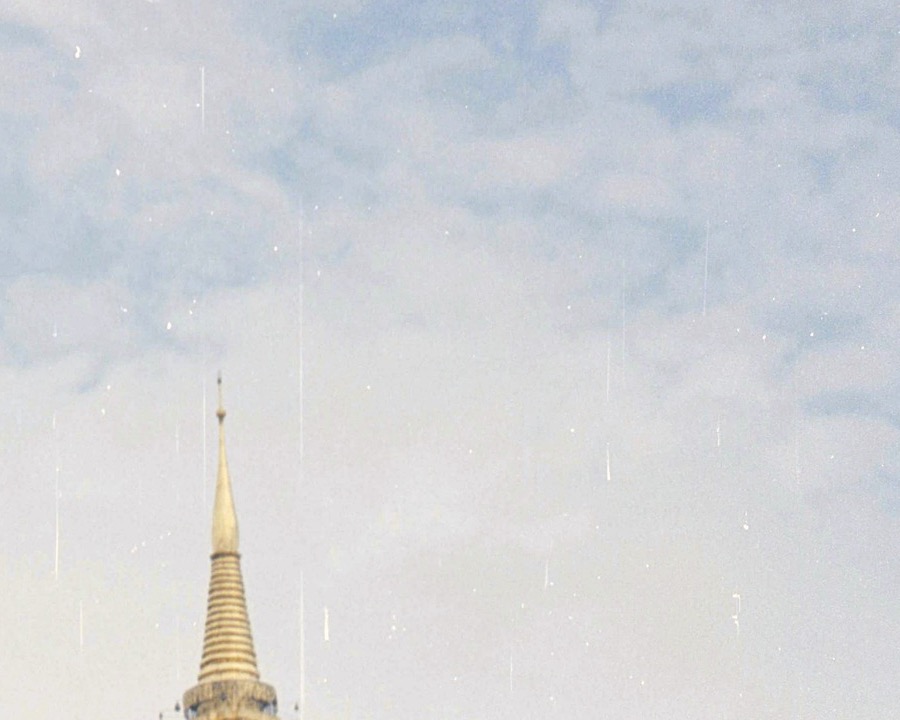
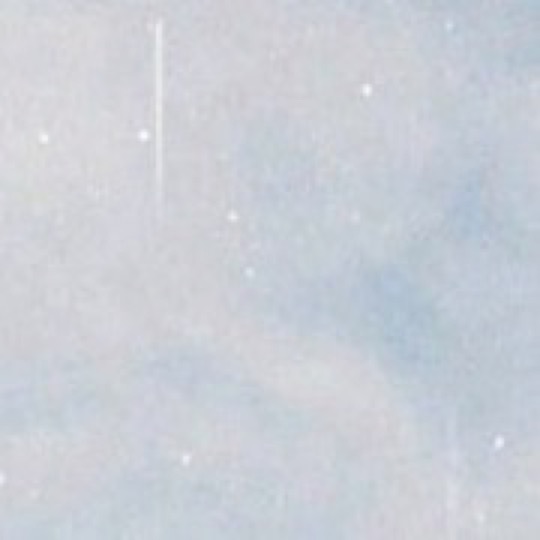
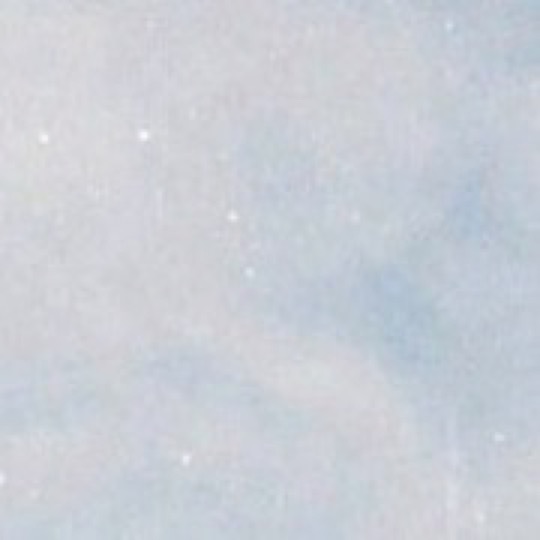
Repairs that keep the grain
Defects are filled from nearby film texture, so the repair carries real grain instead of a smooth smear.
A Lightroom Classic plug-in that finds dust, hairs and scratches, shows you every mark, then removes only what you approve.
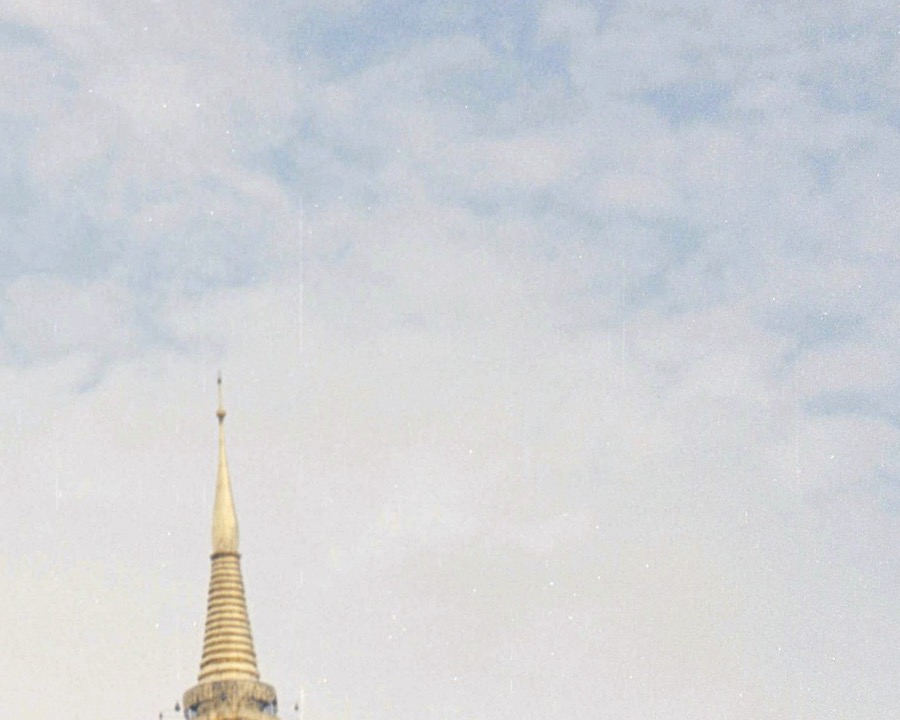
Every defect DustSol finds is marked in red. Click a mark to keep it. Nothing changes until you save.
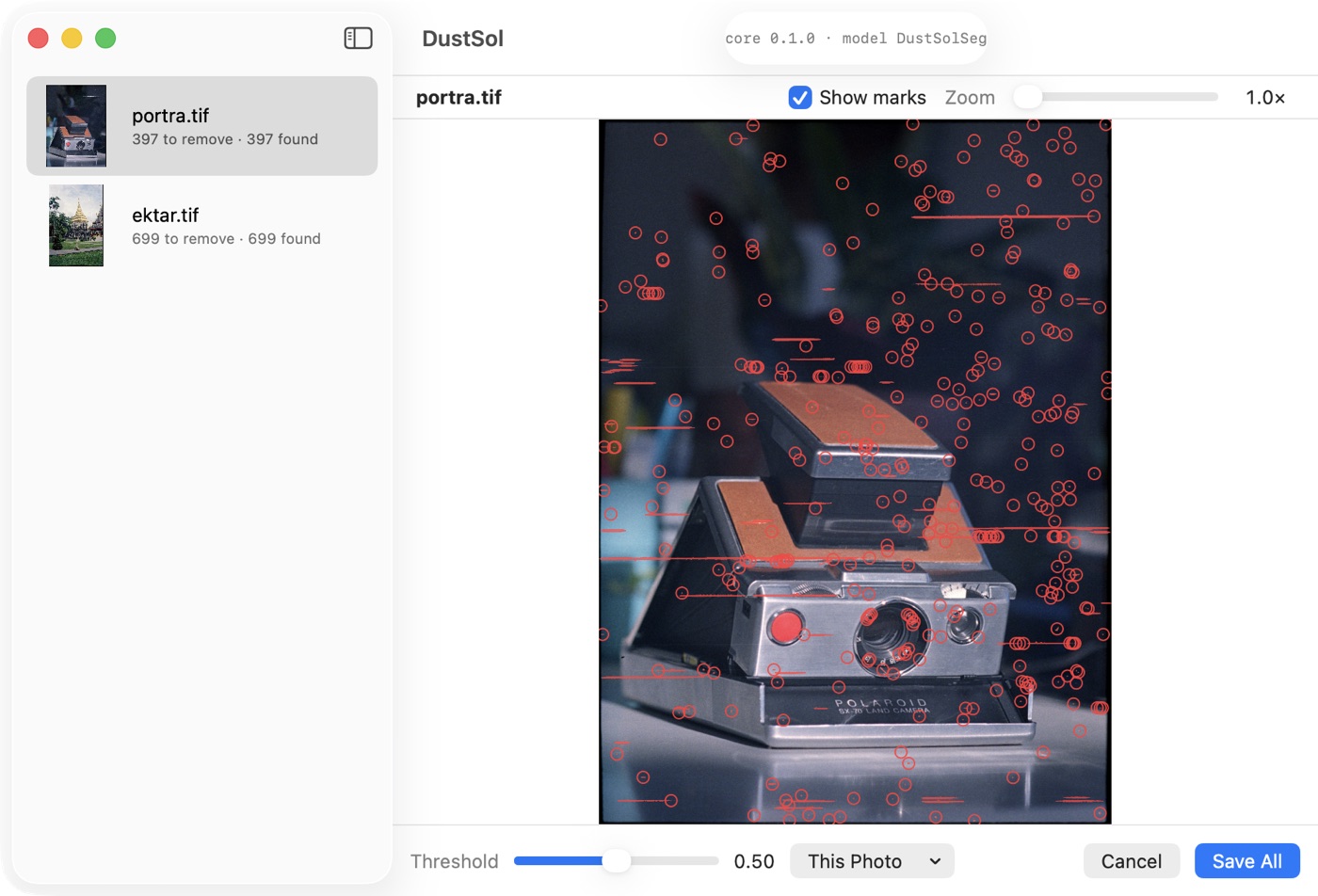
Pick one or more scans in the Library and choose DustSol: Remove Dust. Negatives already inverted with Negative Lab Pro work as they are.
DustSol opens your photos and marks dust, hairs, scratches and scanner streaks. Zoom in, and click anything you want to keep.
Cleaned copies come back to your catalog as 16-bit TIFF files, stacked on top of the originals.
Defects are filled from nearby film texture, so the repair carries real grain instead of a smooth smear.
DustSol always writes a new file. The source photo and its develop settings are never modified.
Detection runs locally with Core ML. Your photos are never uploaded.
The ICC profile and EXIF data are copied to the cleaned TIFF, and it stays stacked with the original in your catalog.
The beta is not yet signed with an Apple Developer ID, so macOS asks you to confirm it once. The full guide ships with the plug-in as INSTALL.txt.
Yes. Run it after converting with Negative Lab Pro or any other inversion. Choose Slide when you clean positive film.
No. It creates a new TIFF next to the original and stacks it on top. You can delete the copy at any time.
Not yet. Very faint dust on busy textures and dense clusters can be missed, which is why you review every mark. Beta feedback trains the next version.
Not in the beta. DustSol needs a Mac with Apple silicon.
No. DustSol is an independent plug-in and is not affiliated with Adobe.
Beta testers get early builds and send back the marks DustSol got wrong. That feedback trains the next model.
Join the betaThe beta list opens soon.